Sharing with permissions
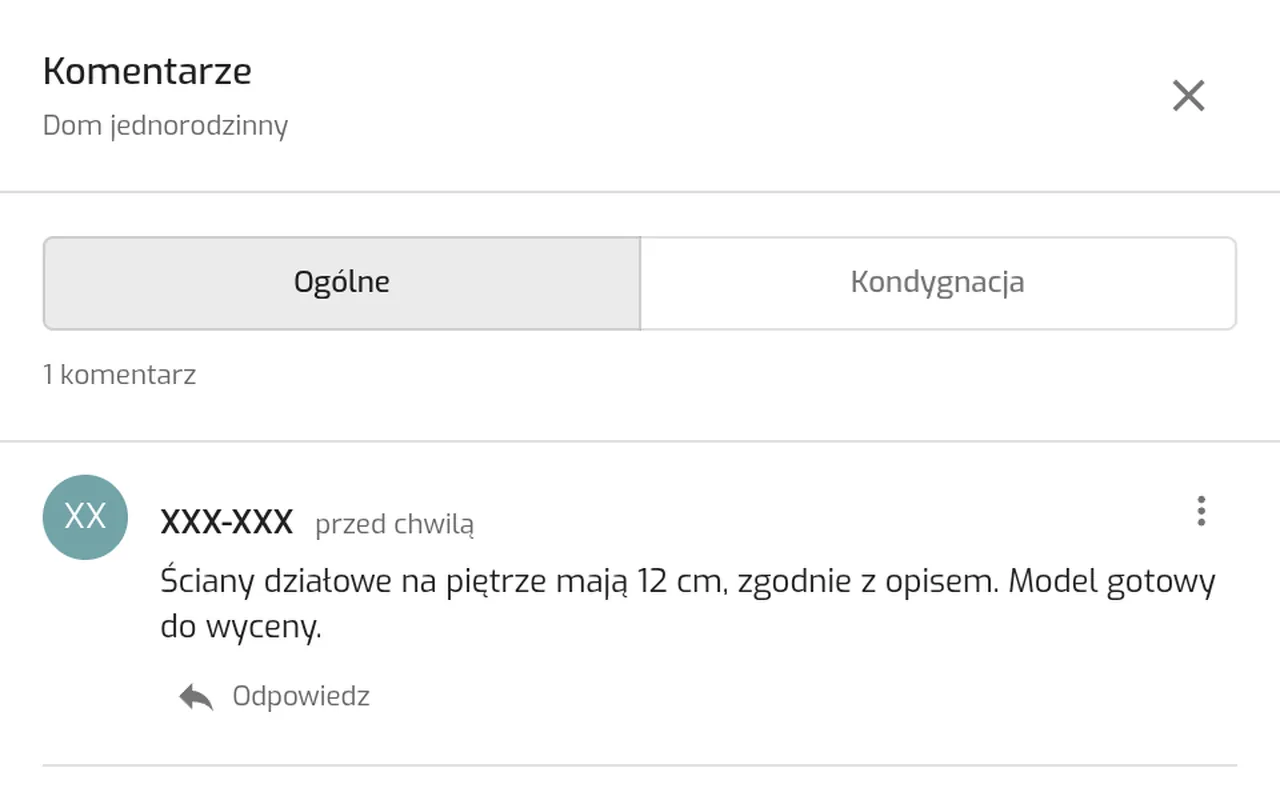
For each recipient you set file downloads, commenting, exclusive editing and the project functional level they will see.
Projects
Platform
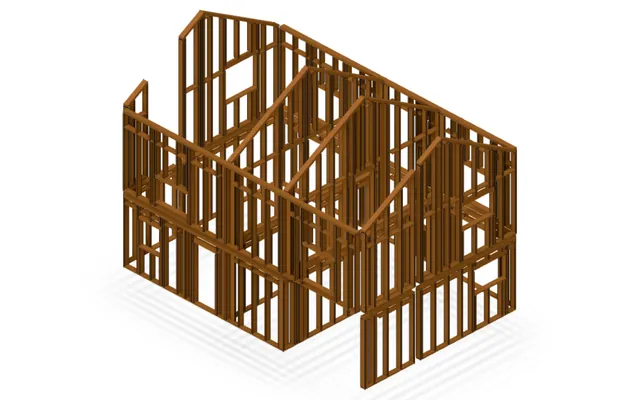 FeaturedAssembly plans from the modelTimber frame, precast elements, masonry units
Share a project by email and decide what the recipient can do: view, download, comment or edit. The invitation works before the recipient creates an account.
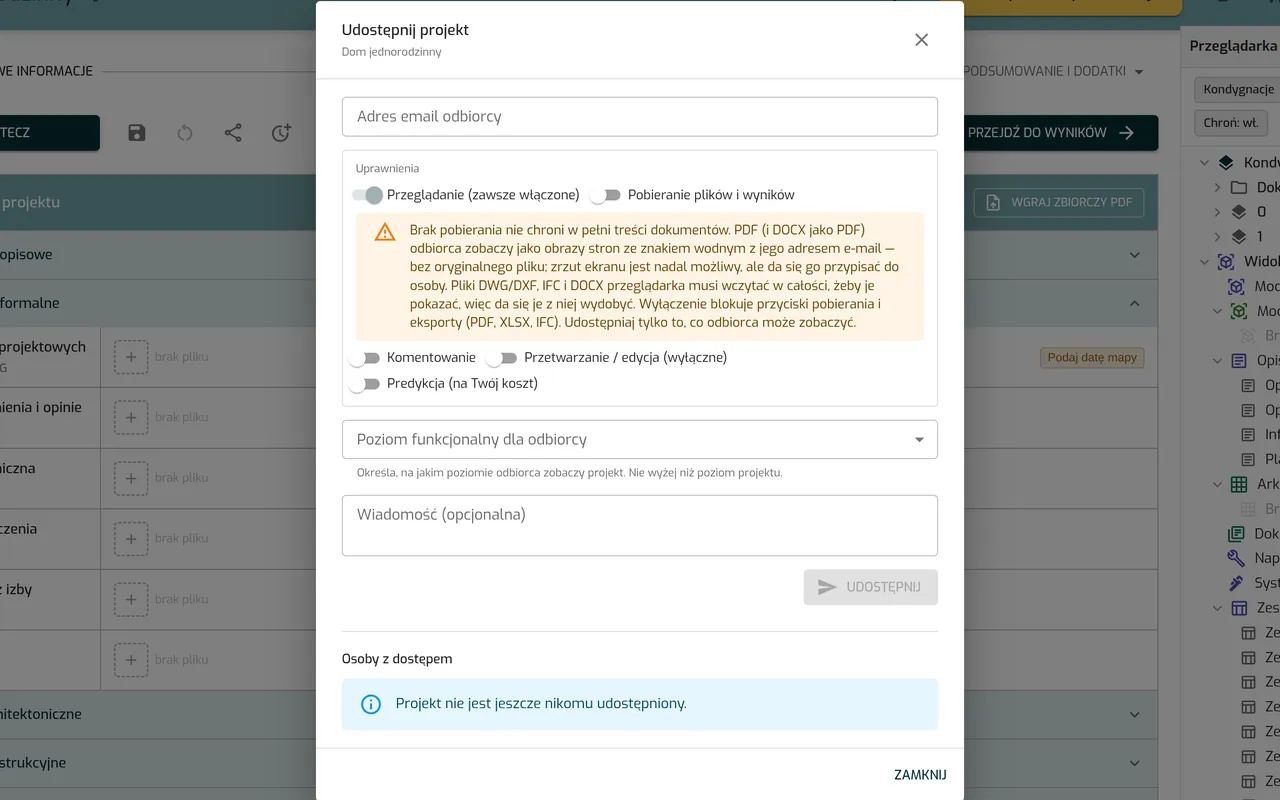
For each recipient you set file downloads, commenting, exclusive editing and the project functional level they will see.
A manager handles team seats and a shared token pool. The messenger has a team channel and private chats, and anyone who is away gets the message by email.
An office working mode you switch on in the settings: a project register, participant roles, ISO 19650 document workflow, BCF issues and handing over documentation by link.
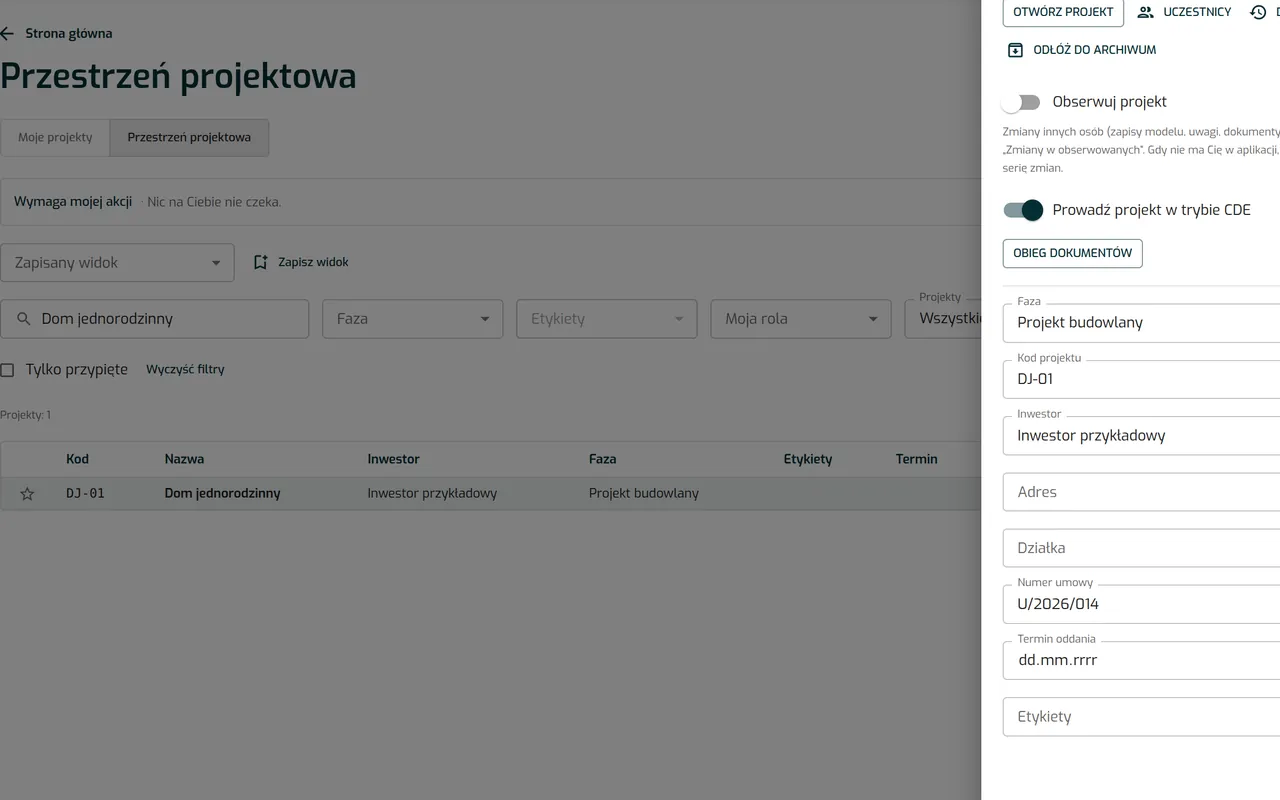
Your documentation is stored in your account and visible only to you and to the people you share the project with.
The trial lasts 7 days and needs no card. If you would rather see the app with us, write to us and we will set up a free demo.